如何用Python畫一些簡(jiǎn)單形狀你知道嗎
1.
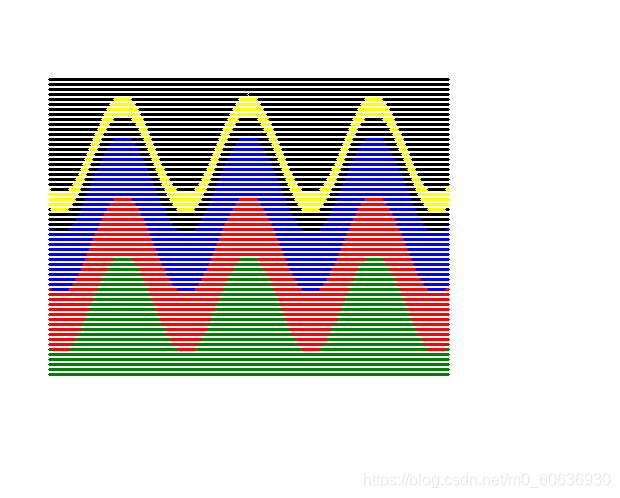
import turtle as timport matht.pensize(3)t.tracer(10)t.hideturtle()start_x = -200for y in range(-150,150,5): t.penup() t.goto(start_x,y) t.pendown() for x in range(-200,200,1):if ((y-50*(math.cos(0.05*x)) <= 80) and (y-50*(math.cos(0.05*x)) >= 60)): t.pencolor(’yellow’)elif ((y-50*(math.cos(0.05*x)) <= 40) and (y-50*(math.cos(0.05*x)) >= -20)): t.pencolor(’blue’)elif ((y-50*(math.cos(0.05*x)) <= -20) and (y-50*(math.cos(0.05*x)) >= -80)): t.pencolor(’red’)elif ((y-50*(math.cos(0.05*x)) <= -60) and (y-50*(math.cos(0.05)) <= -80)): t.pencolor(’green’)else: t.pencolor(’black’)t.setx(x)t.update()t.done()
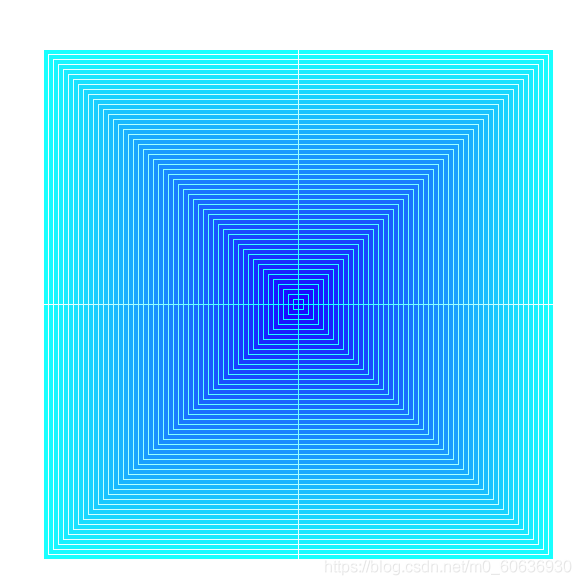
import turtle as tt.speed(0)t.tracer(20)t.hideturtle()t.colormode(255)angle = 90for x in range(255,0,-5): for n in range(360//angle):t.pencolor((x,255,255))t.fillcolor((25,x,255))t.begin_fill()for i in range(2): t.forward(x) t.right(angle) t.forward(x) t.right(180-angle)t.end_fill()t.right(angle)t.update()t.done()
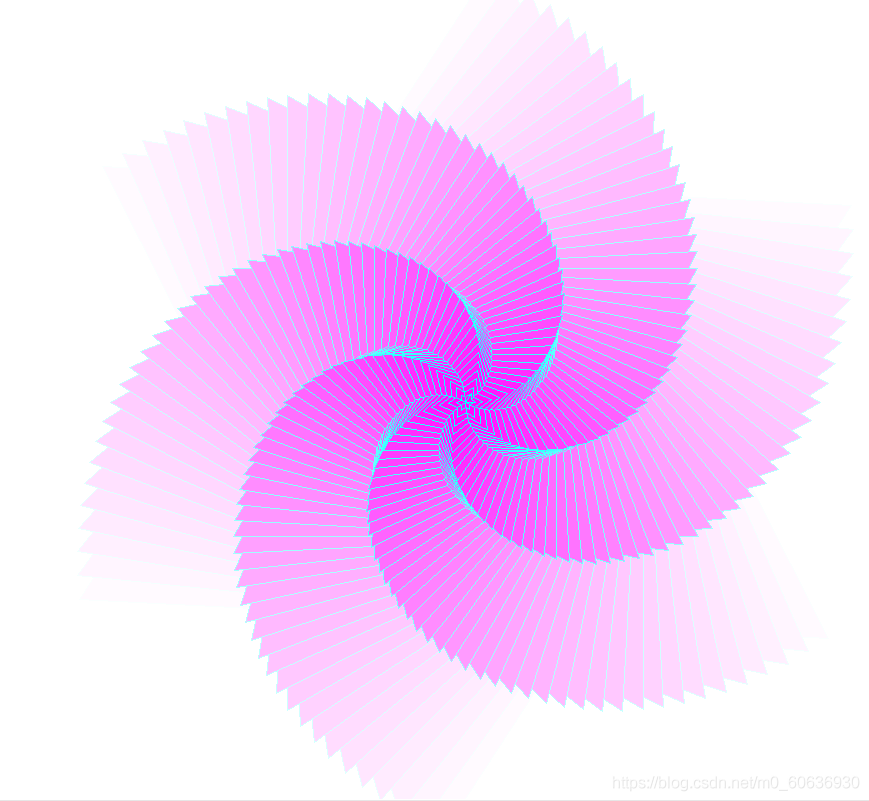
import turtle as tt.speed(0)t.tracer(20)t.colormode(255)angle = 60angle2 = 3for x in range(255,0,-5): for n in range(360//angle):t.pencolor((x,255,255))t.fillcolor((255,x,255))t.begin_fill()for i in range(2): t.forward(x) t.right(angle) t.forward(x) t.right(180-angle)t.end_fill()t.right(angle) t.right(angle2)t.update()t.done()
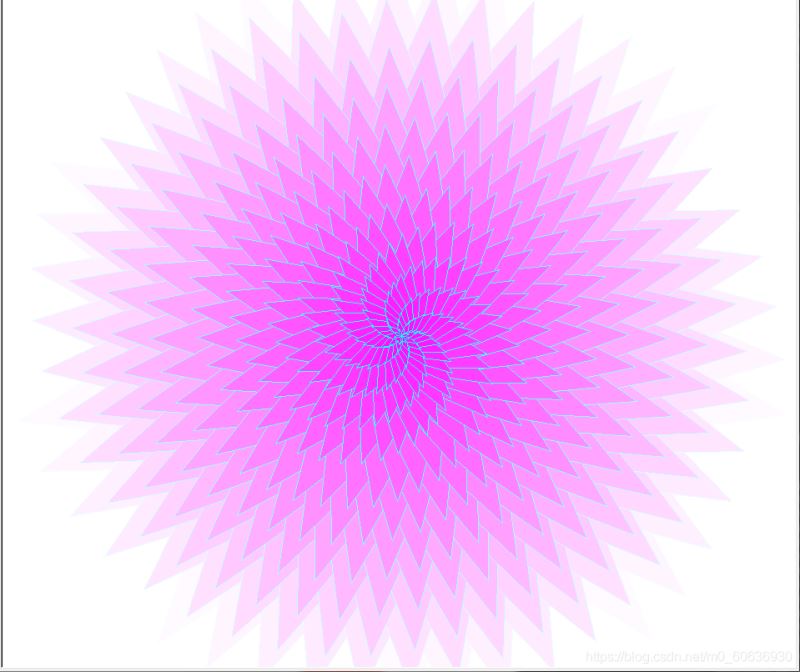
from turtle import * colormode(255)tracer(5)a1=39a2=1for x in range(255,0,-5): pencolor(x,255,255) fillcolor(255,x,255) for y in range(360//a1):begin_fill()for z in range(2): fd(x) rt(a1) fd(x) rt(180-a1)end_fill()rt(a1) rt(a2)update()ht()done()
import turtle as tt.speed(0)t.hideturtle()t.penup()t.setx(-200)t.pendown()r = 20i = 6for x in range(10): if x % 2 == 0:t.fillcolor('skyblue')t.begin_fill()t.circle(r)t.end_fill()add = 0 else:t.fillcolor('green')t.begin_fill()for n in range(4): t.forward(r*2) t.left(90)t.end_fill()add = r*2 t.penup() t.forward(r+i+add) t.pendown()t.done()

import turtle as tt.pensize(5)t.tracer(10)t.hideturtle()start_x = -200for y in range(-150,150,20): t.penup() t.goto(start_x,y) t.pendown() for x in range(-200,200,1):if ((x < 100 and x > 0) and (y < 80 and y > 0)): t.pencolor(’yellow’)elif ((x < 100 and x > 0) and (y < 0 and y > -80)): t.pencolor(’blue’)elif ((x < 0 and x > -100) and (y < 80 and y > 0)): t.pencolor(’red’)elif ((x < 0 and x > -100) and (y < 0 and y > -80)): t.pencolor(’orange’)else: t.pencolor(’green’)t.setx(x)t.update()t.done()
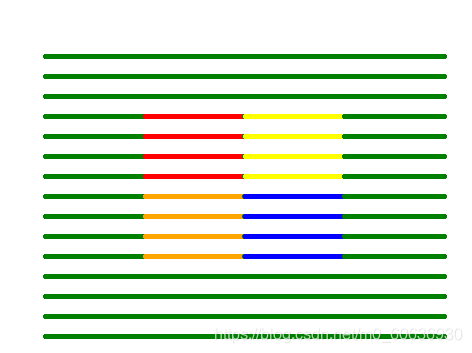
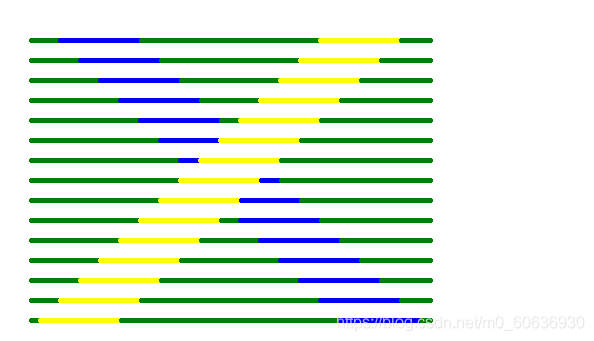
import turtle as tt.pensize(5)t.tracer(10)t.hideturtle()start_x = -200for y in range(-150,150,20): t.penup() t.goto(start_x,y) t.pendown() for x in range(-200,200,1):if ((y-x <= 40) and (y-x >= -40)): t.pencolor(’yellow’)elif ((y+x <= 40) and (y+x >= -40)): t.pencolor(’blue’)else: t.pencolor(’green’)t.setx(x)t.update()t.done()
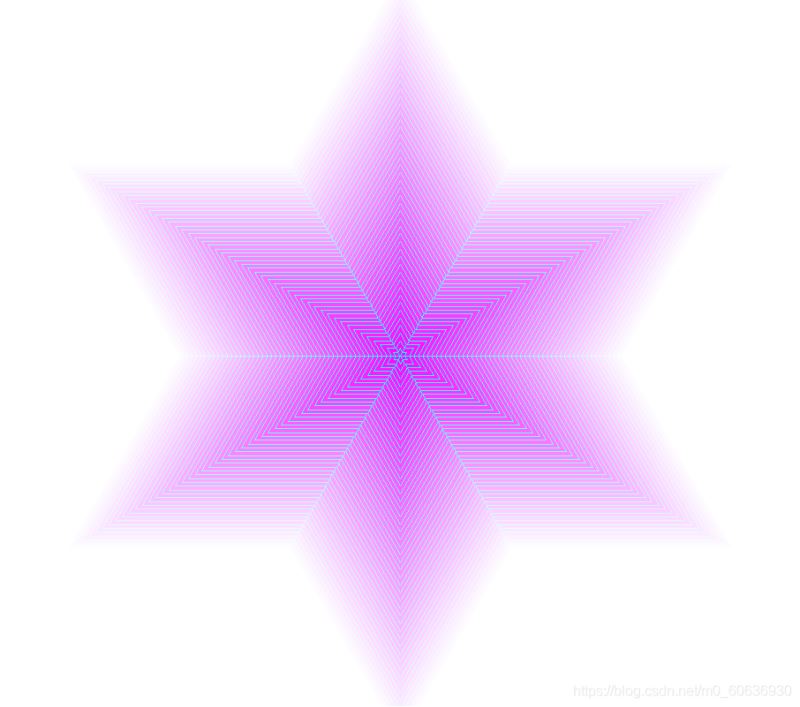
import turtle as tt.speed(0)t.tracer(20)t.hideturtle()t.colormode(255)angle = 60for x in range(255,0,-5): for n in range(360//angle):t.pencolor((x,255,255))t.fillcolor((255,x,255))t.begin_fill()for i in range(2): t.forward(x) t.right(angle) t.forward(x) t.right(180-angle)t.end_fill()t.right(angle)t.update()t.done()
本篇文章就到這里了,希望能給你帶來幫助,也希望您能夠多多關(guān)注好吧啦網(wǎng)的更多內(nèi)容!
相關(guān)文章:
1. ASP新手必備的基礎(chǔ)知識(shí)2. PHP基礎(chǔ)之生成器4——比較生成器和迭代器對(duì)象3. CentOS郵箱服務(wù)器搭建系列——SMTP服務(wù)器的構(gòu)建( Postfix )4. asp文件用什么軟件編輯5. JAVA 實(shí)現(xiàn)延遲隊(duì)列的方法6. Vue axios獲取token臨時(shí)令牌封裝案例7. js實(shí)現(xiàn)計(jì)算器功能8. JS中6個(gè)對(duì)象數(shù)組去重的方法9. 利用CSS制作3D動(dòng)畫10. 通過IEAD+Maven快速搭建SSM項(xiàng)目的過程(Spring + Spring MVC + Mybatis)

 網(wǎng)公網(wǎng)安備