vue下載二進制流圖片操作
1、應項目要求,后臺返回二進制流,而且亂碼
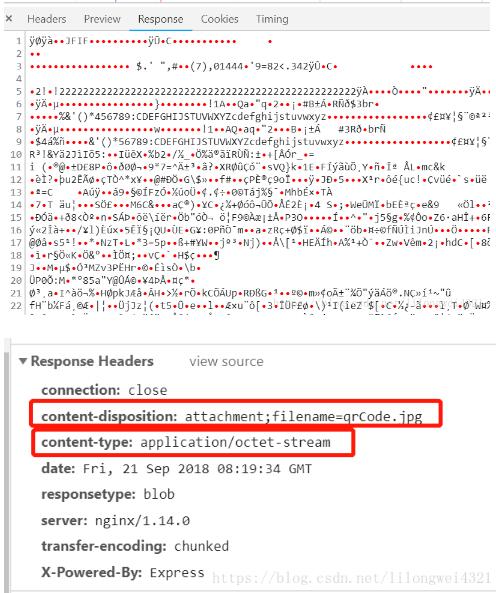
2、紅色為必須
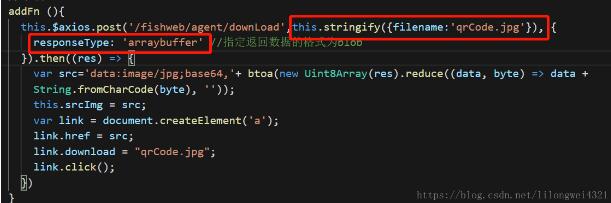
this.$axios.post(’/fishweb/agent/downLoad’,this.stringify({filename:’qrCode.jpg’}), { responseType: ’arraybuffer’ //指定返回數據的格式為blob }).then((res) => { var src=’data:image/jpg;base64,’+ btoa(new Uint8Array(res).reduce((data, byte) => data + String.fromCharCode(byte), ’’)); this.srcImg = src; //圖片回顯 var link = document.createElement(’a’); link.href = src; link.download = 'qrCode.jpg'; link.click(); })
補充知識:vue img src加載圖片二進制問題記錄
此 地址請求 http://xx.xx.xx.xx:xxxx/xx/.../xx/downLoadDoc?docId=xxxxx&access_token=xxxxx 返回的png二進制流。如下:
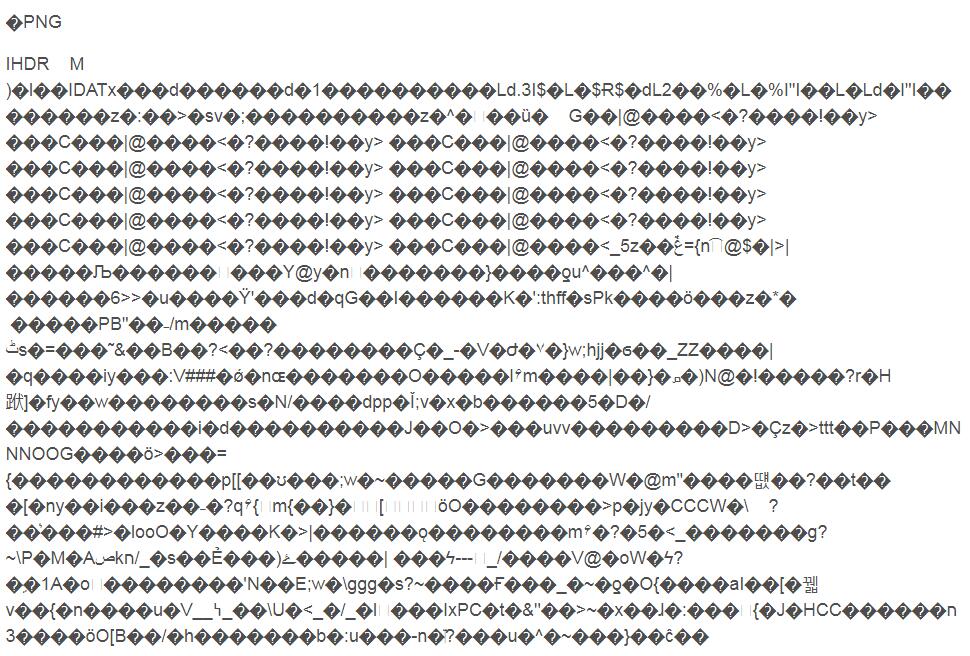
在項目中我使用img src直接對圖片的二進制流加載,遇到頻率很高的問題是前端發起的請求被服務器多次302重定向了,然后我訪問的資源存在問題。
然后果斷改為通過http get請求下來png 二進制流來處理。思路是通過responseType 制定返回數據格式為blob
請求的圖片地址 url = http://xxxxxx:xxxx/xxx/xxx/merchDoc/downLoadDoc
axios({ method: 'get', url, params: xxx, responseType:'blob' }).then(response => { this.picUrl = window.URL.createObjectURL(response);});
解析blob 并展示在img src 中如下:
this.picUrl = window.URL.createObjectURL(response);
以上這篇vue下載二進制流圖片操作就是小編分享給大家的全部內容了,希望能給大家一個參考,也希望大家多多支持好吧啦網。
相關文章:

 網公網安備
網公網安備