文章詳情頁
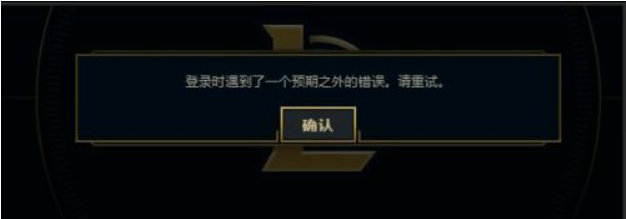
Win7電腦在登錄LOL的時候出現登入時遇到了一個預期之外的錯誤怎么辦?
瀏覽:183日期:2022-08-14 16:02:03
Win7電腦在登錄LOL的時候出現登入時遇到了一個預期之外的錯誤怎么辦?雖然微軟已經出了許多的新版操作系統,但是對于一些硬件配置較低的用戶還是使用win7系統。而最近有的用戶就反應了這個問題,那么下面小編就帶著大家一起看一下吧!
操作方法:
方法/步驟
1、找到我們本機內的hosts文件,如果Hosts在指向的時候出現了問題,是會出現LOL登入時遇到了一個預期之外的錯誤這種問題的;
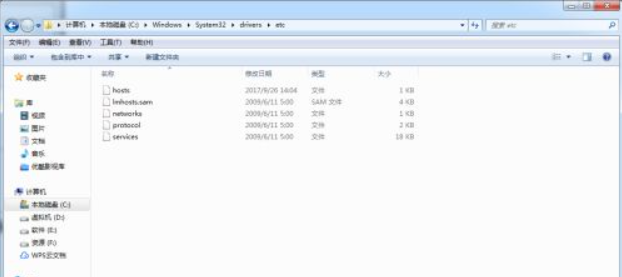
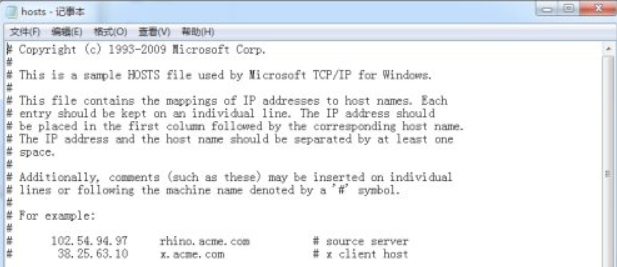
2、一般情況下路徑為C:WindowsSystem32driversetc,找到這個文件然后清空文件內容,復制以下內容粘貼進去;
01# Copyright (c) 1993-2009 Microsoft Corp.02#03# This is a sample HOSTS file used by Microsoft TCP/IP for Windows.04#05# This file contains the mappings of IP addresses to host names. Each06# entry should be kept on an individual line. The IP address should07# be placed in the first column followed by the corresponding host name.08# The IP address and the host name should be separated by at least one09# space.10#11# Additionally, comments (such as these) may be inserted on individual12# lines or following the machine name denoted by a '#' symbol.13#14# For example:15#16# 102.54.94.97 rhino.acme.com # source server17# 38.25.63.10 x.acme.com # x client host18# localhost name resolution is handled within DNS itself.19#127.0.0.1 localhost20#::1 localhost復制代碼# Copyright (c) 1993-2009 Microsoft Corp.## This is a sample HOSTS file used by Microsoft TCP/IP for Windows.## This file contains the mappings of IP addresses to host names. Each# entry should be kept on an individual line. The IP address should# be placed in the first column followed by the corresponding host name.# The IP address and the host name should be separated by at least one# space.## Additionally, comments (such as these) may be inserted on individual# lines or following the machine name denoted by a '#' symbol.## For example:## 102.54.94.97 rhino.acme.com # source server# 38.25.63.10 x.acme.com # x client host# localhost name resolution is handled within DNS itself.#127.0.0.1 localhost#::1 localhost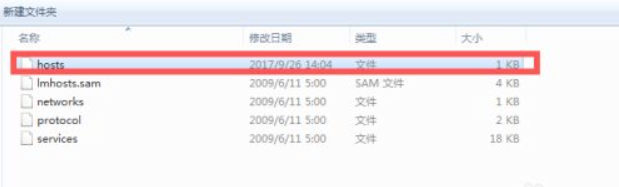
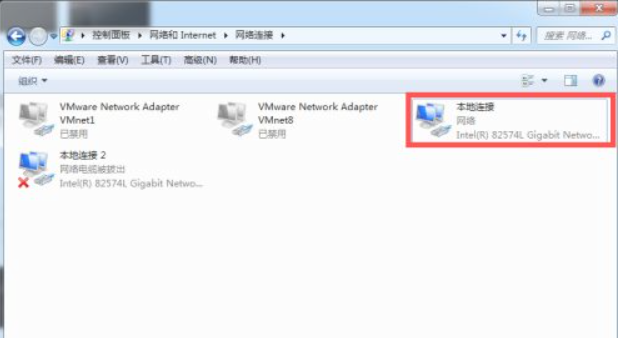
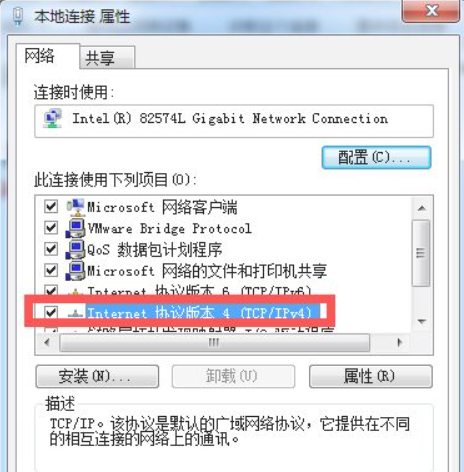
3、更改完Hosts文件后找到我們的網絡連接,然后找到自己當前使用的網絡連接(本地連接),右鍵選擇屬性,找到下圖所標記的協議;
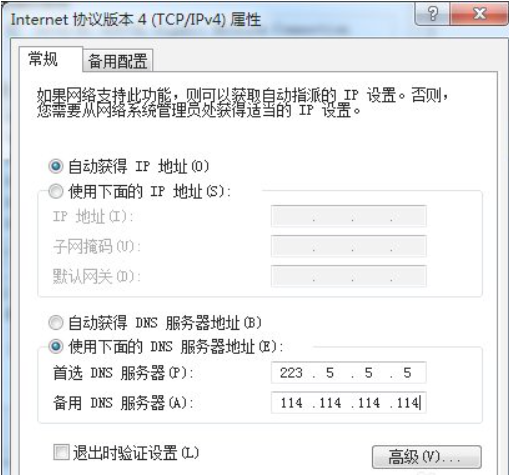
4、把DNS更改為公網DNS大家可以參考下今年評估的DNS排名,選擇你所需要的DNS作為固定DNS;
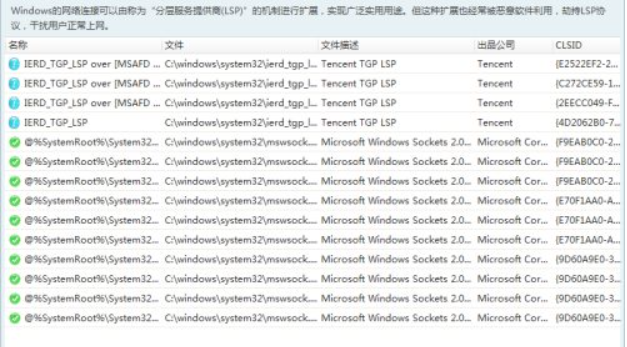
5、最后只需要重置下網絡協議即可,這里我們可以使用本機自帶的DOS命令進行重置也可以使用第三方軟件進行重置;
6、這樣就可以順利登入游戲了,導致這種情況出現的原因一般為高峰期、更新后、或者有些人被封號了也會導致這類情況的出現,被封號這種情況是無法通過重置網絡設置解除的。
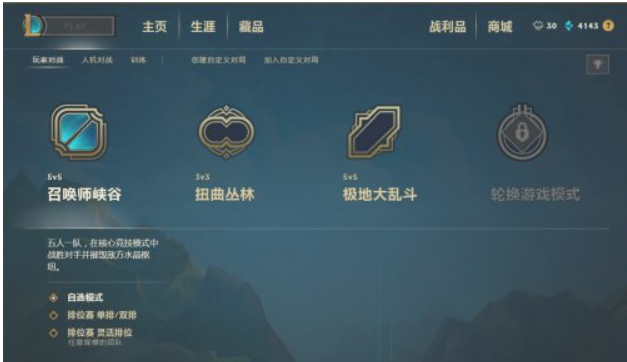
以上就是Win7系統LOL登錄時遇到了一個預期之外的錯誤的具體解決方法,按照以上方法進行操作,相信再次登入LOL的時候,就能正常登入了。
相關文章:
排行榜
 網公網安備
網公網安備