Springboot文件上傳功能簡(jiǎn)單測(cè)試
在static文件夾中創(chuàng)html頁(yè)面
內(nèi)容為:
<html><head></head><body><form action='/fileuploadContorller' method='post' enctype='multipart/form-data'> <input type='file' name='file'/> <input type='submit' value='提交'></form></body></html>
創(chuàng)建控制器
package com.mc_74120.springbootfileupload.controller;import org.springframework.web.bind.annotation.PostMapping;import org.springframework.web.bind.annotation.RequestMapping;import org.springframework.web.bind.annotation.RestController;import org.springframework.web.multipart.MultipartFile;import java.io.File;import java.io.IOException;@RestControllerpublic class FileUpLoadController { @PostMapping('/fileuploadContorller') public String fileUpLoadController(MultipartFile file) throws IOException {//MultipartFile對(duì)象的名稱必須和html中的文件上傳標(biāo)簽的名字相同 System.out.println(file.getOriginalFilename()); file.transferTo(new File('d:/'+file.getOriginalFilename())); return 'ok'; }}
選擇文件
發(fā)送
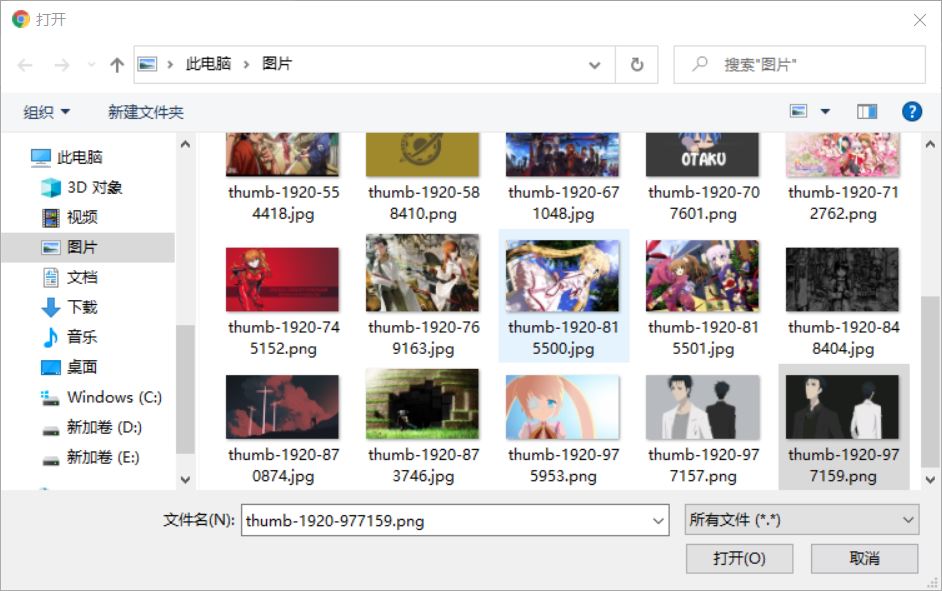
找到該圖片

在application配置文件中 可以配置 文件的大小和request請(qǐng)求的大小
#配置單個(gè)文件的大小spring.servlet.multipart.max-file-size=5MB#配置一次請(qǐng)求總?cè)萘看笮pring.servlet.multipart.max-request-size=10MB
以上就是本文的全部?jī)?nèi)容,希望對(duì)大家的學(xué)習(xí)有所幫助,也希望大家多多支持好吧啦網(wǎng)。
相關(guān)文章:
1. 使用本機(jī)IIS?Express開(kāi)發(fā)Asp.Net?Core應(yīng)用圖文教程2. PHP基礎(chǔ)之生成器4——比較生成器和迭代器對(duì)象3. PHP對(duì)接阿里云虛擬號(hào)的實(shí)現(xiàn)(號(hào)碼隱私保護(hù))4. HTML iframe標(biāo)簽用法案例詳解5. HTML基礎(chǔ)知識(shí)總結(jié)6. HTML-Canvas的優(yōu)越性能以及實(shí)際應(yīng)用7. intellij idea寫Python教程8. PHP文件運(yùn)行步驟以及數(shù)據(jù)庫(kù)的連接代碼9. CSS單標(biāo)簽實(shí)現(xiàn)復(fù)雜的棋盤布局10. Vue+ssh框架實(shí)現(xiàn)在線聊天

 網(wǎng)公網(wǎng)安備