Python 第三方日志框架loguru使用
項目地址 github: https://github.com/Delgan/loguru文檔:https://loguru.readthedocs.io/en/stable/index.html
安裝pip install loguru
1、輸出日志
from loguru import loggerlogger.debug('這是一條debug日志')
終端執行后出現帶顏色的日志,挺酷的

2、輸出到文件
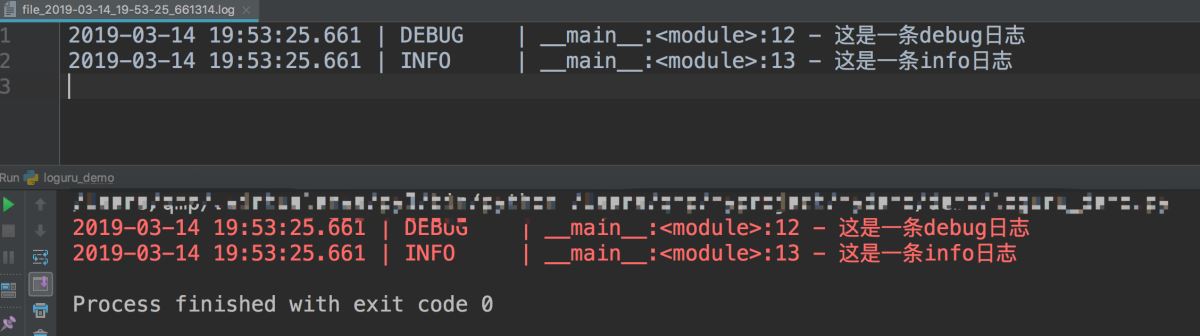
from loguru import loggerlogger.add('file_{time}.log')logger.debug('這是一條debug日志')logger.info('這是一條info日志')
目錄下多出一個日志文件 :file_2019-03-14_19-53-25_661314.log
3、日志規則
設置日志格式,過濾器,日志級別
from loguru import loggerlogger.add('file.log', format='{time} {level} {message}', filter='', level='INFO')logger.debug('這是一條debug日志')logger.info('這是一條info日志')
輸出
2019-03-14T20:01:25.392454+0800 INFO 這是一條info日志
4、日志文件
文件管理方式
logger.add('file_1.log', rotation='500 MB') # 文件過大就會重新生成一個文件logger.add('file_2.log', rotation='12:00') # 每天12點創建新文件logger.add('file_3.log', rotation='1 week') # 文件時間過長就會創建新文件logger.add('file_X.log', retention='10 days') # 一段時間后會清空logger.add('file_Y.log', compression='zip') # 保存zip格式
5、其他參數
logger.add('somefile.log', enqueue=True) # 異步寫入logger.add('somefile.log', serialize=True) # 序列化為json
6、時間格式化
logger.add('file.log', format='{time:YYYY-MM-DD at HH:mm:ss} | {level} | {message}')
配合notifiers模塊github: https://github.com/notifiers/notifiers文檔:https://notifiers.readthedocs.io/en/latest/
7、在工程中創建多個文件處理器對象并解決中文亂碼問題
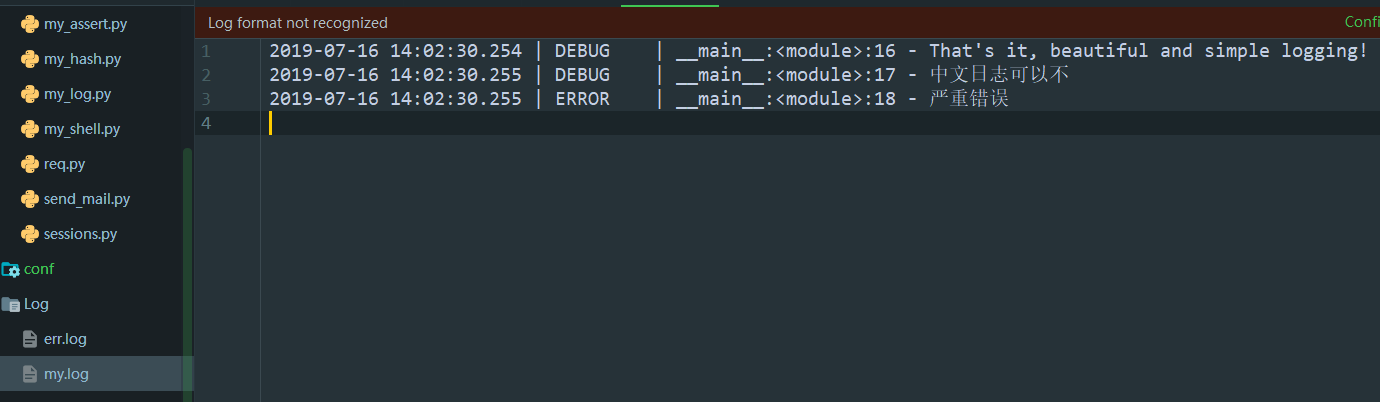
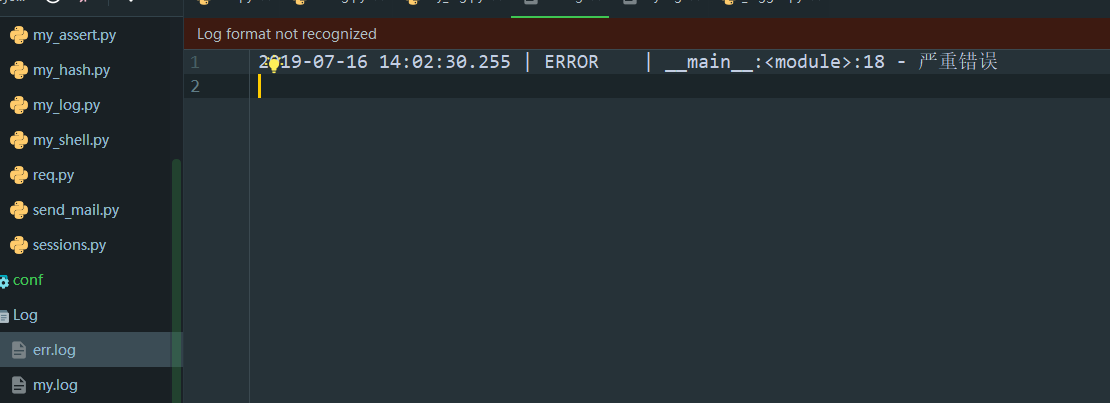
# coding=utf-8import osimport sysfrom loguru import loggerBASE_DIR = os.path.dirname(os.path.dirname(os.path.abspath(__file__)))log_file_path = os.path.join(BASE_DIR, ’Log/my.log’)err_log_file_path = os.path.join(BASE_DIR, ’Log/err.log’)logger.add(sys.stderr, format='{time} {level} {message}', filter='my_module', level='INFO')# logger.add(s)logger.add(log_file_path, rotation='500 MB', encoding=’utf-8’) # Automatically rotate too big filelogger.add(err_log_file_path, rotation='500 MB', encoding=’utf-8’, level=’ERROR’) # Automatically rotate too big filelogger.debug('That’s it, beautiful and simple logging!')logger.debug('中文日志可以不')logger.error('嚴重錯誤')
以上就是Python 第三方日志框架loguru使用的詳細內容,更多關于Python 日志框架loguru的資料請關注好吧啦網其它相關文章!
相關文章:

 網公網安備
網公網安備